Voice Assistant
A downloadable tool for Windows
Talk to your PC. Keep your hands on the game.
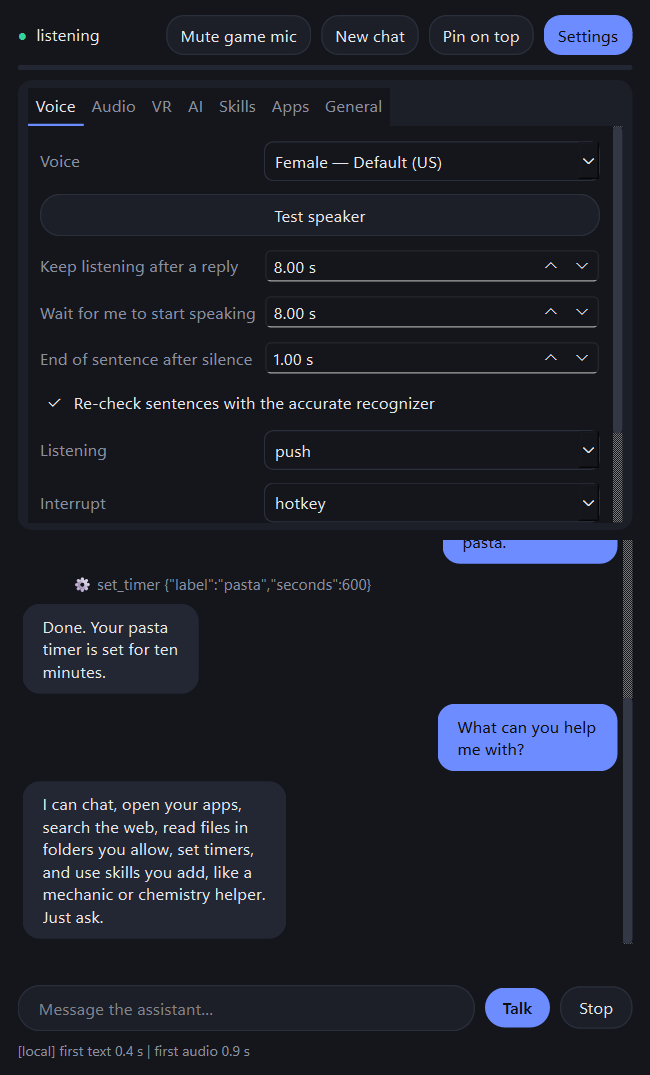
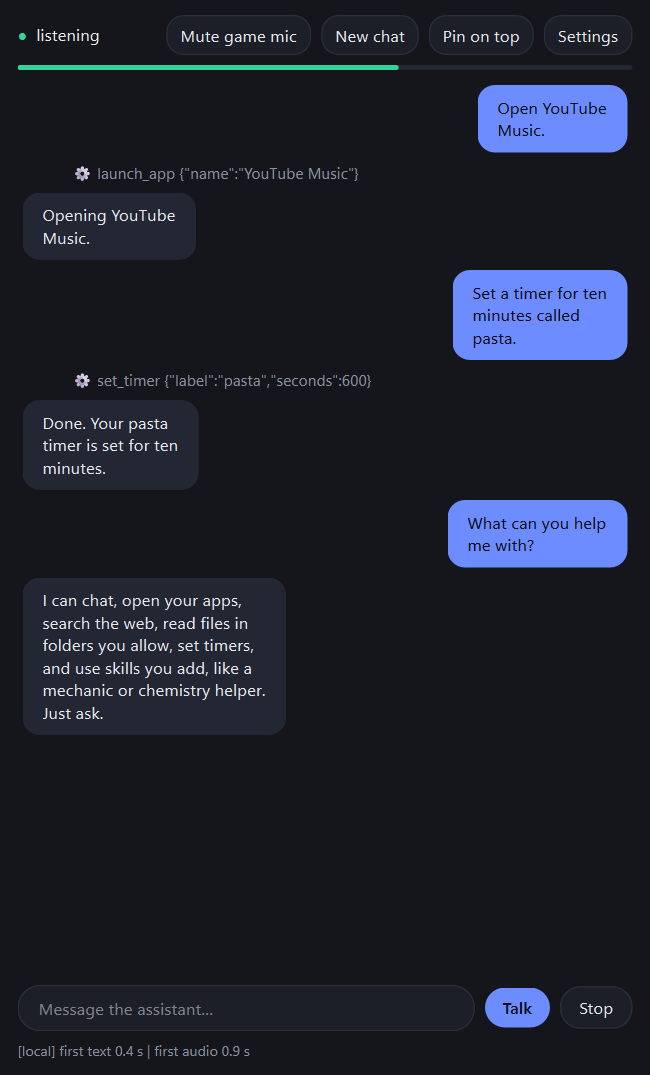
Voice Assistant is a hands-free voice assistant for Windows 10/11 that runs on your own computer. Press a hotkey or say your wake word, speak naturally, and it answers out loud while the text streams on screen.
What it can do
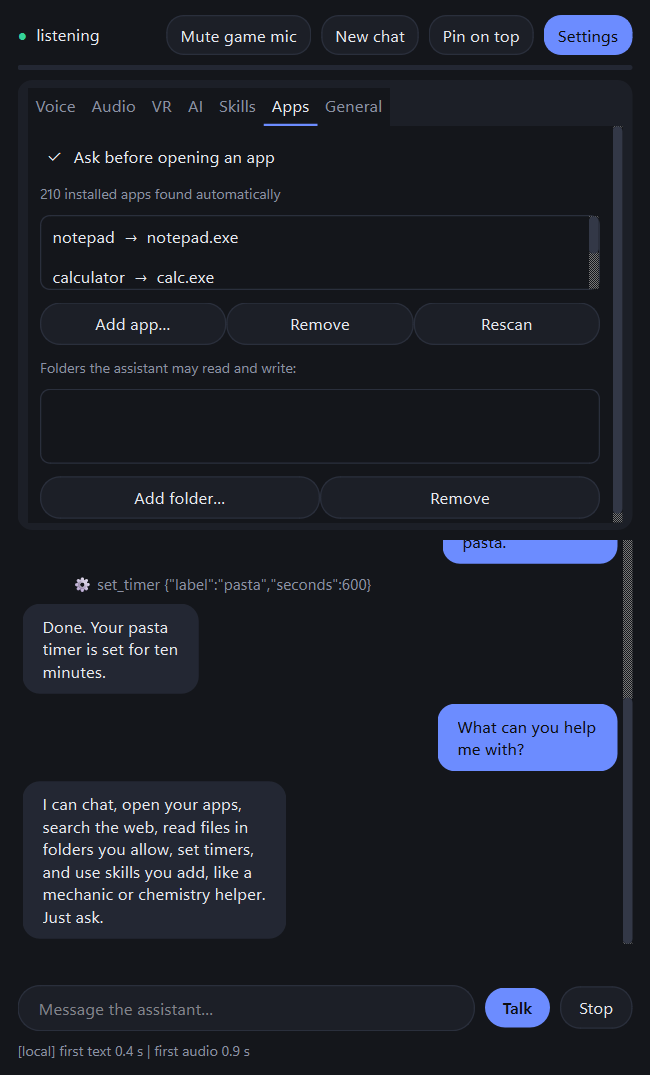
- Open any installed app by name ("open YouTube Music"), set timers, read what's on your clipboard (asks first)
- Search the web and read pages (off until you switch it on), find and read files in folders you approve, search and read PDFs
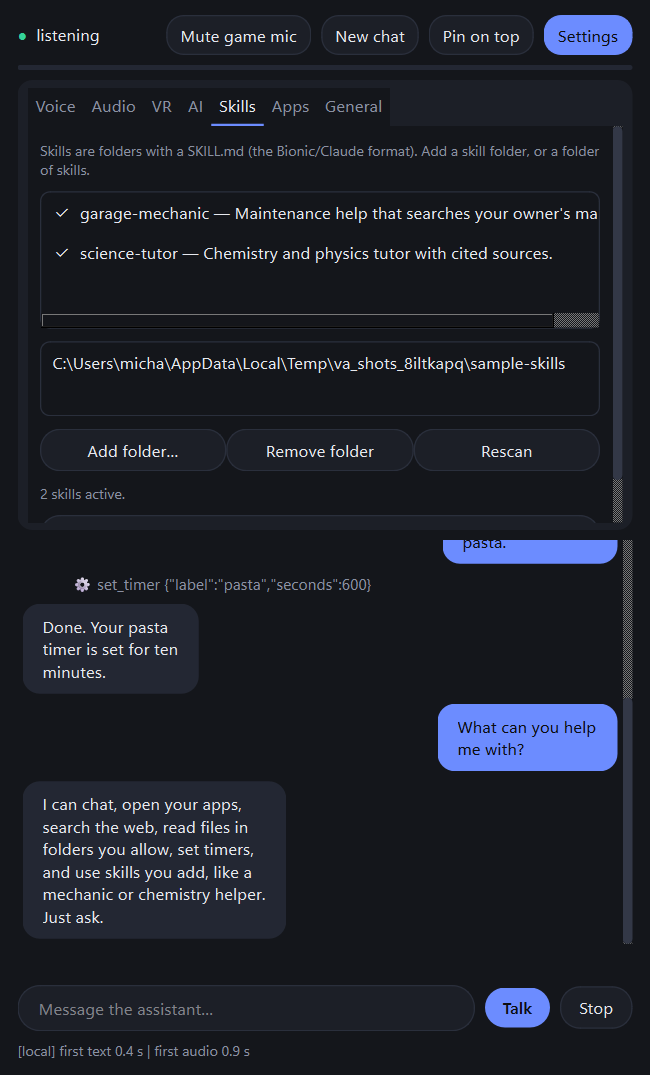
- Add skills: drop in a folder with a SKILL.md (the Bionic/Claude format), for example a mechanic helper that searches your owner's manuals
- Connect extra tool servers (MCP)
- Remembers your conversation between sessions (stored only on your PC; one click erases it)
Made for gaming and VR
- Pin the window on top of your game
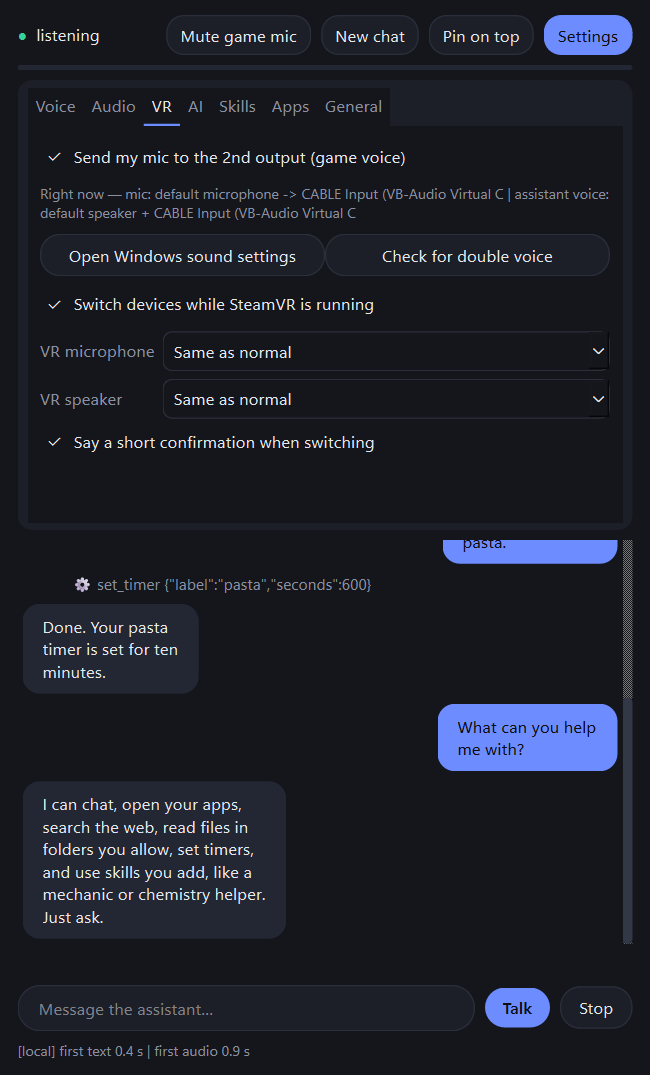
- Use two microphones and two speakers; send your mic and the assistant's voice into a virtual audio cable so friends in VRChat hear them (needs the free VB-Audio Virtual Cable, installed separately)
- Switches to your headset mic and speakers automatically when SteamVR starts, and back when it closes
- Warns you if Windows' "Listen to this device" would make you heard twice
Your choice of brain
- Local: LM Studio, Ollama or llama.cpp (free, private, runs on your GPU)
- Cloud: Claude or OpenAI with your own API key (stored in Windows Credential Manager; the cloud company receives what you say)
Speech
- Natural voices (male and female) and accurate recognition run on your PC after a one-time download that the setup guide asks permission for (about 430 MB, or 900 MB with the accurate recognizer)
Please read
- You need an AI model source: install LM Studio (free) or enter a Claude/OpenAI key. The setup guide helps.
- Windows only. Uses about 1.3 GB of memory with all speech models loaded.
- The installer is not code-signed yet, so Windows SmartScreen shows "Unknown publisher": click More info, then Run anyway.
- It is an early release. Bug reports in the comments are welcome.
- Not affiliated with VRChat, Valve, LM Studio, Anthropic or OpenAI.
System requirements
Windows 10 (1809) or 11, 64-bit; 8 GB RAM minimum (16 GB recommended); about 2 GB free disk for models; a microphone. A GPU is only needed for the local AI model.
Purchase
In order to download this tool you must purchase it at or above the minimum price of $2 USD. You will get access to the following files:
Leave a comment
Log in with itch.io to leave a comment.